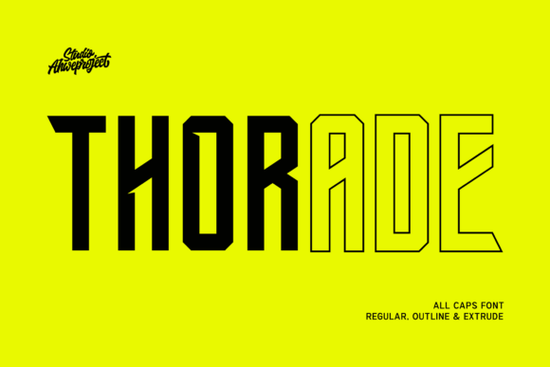
If you are designing merchandise for athletes, esports teams, or urban streetwear brands, picking the right display typeface can make or break your visual impact. Thorade Font was built specifically for projects that need to command attention from a distance. It is an all-caps display typeface with a heavy geometric build, sharp cuts, and a confident athletic feel that works exceptionally well for print-on-demand sellers and graphic designers looking for high-impact headlines.
What makes this typeface work well for sports and streetwear branding?
Athletic typography relies on structure and authority. The letterforms use uniform widths and aggressive diagonal cuts, which immediately communicate strength and movement. Unlike traditional serif or script options, this structured geometric design stays highly legible even at smaller scales. Designers appreciate that it does not rely on unnecessary flourishes to look modern. The raw, architectural lines give you a solid foundation for building logos that feel established and energetic. You can explore the full Thorade typeface family to see how the different weights perform across various screen and print resolutions.
How can you layer different font styles for better visual depth?
One of the best features included in this package is the trio of styles: Regular, Outline, and Extrude. Instead of switching to completely separate programs to create three-dimensional effects, you can simply stack these layers directly in Canva or Photoshop. Place the Extrude version slightly offset behind the Regular style, and you instantly get a retro-futuristic block shadow that works perfectly for tournament posters or event flyers.
If you prefer a cleaner, two-tone look, the Outline version sits nicely over the solid base. This technique adds dimension without making your layout feel cluttered. When your main headline dominates the space, it helps to balance the composition with a simpler supporting typeface. Many creators pair heavy athletic lettering with lighter sans-serif options to keep subheadings readable and airy.
Which design projects get the most value from bold lettering?
Because this typeface thrives in large sizes, it naturally fits into formats where quick visual recognition matters. Here are the most common use cases:
- Esports and gaming jerseys: High contrast lettering that stands out on digital screens and physical apparel.
- Streetwear and activewear tags: Short, punchy brand names that look premium when printed on fabric.
- Event posters and social banners: Instant readability on mobile feeds where users scroll quickly.
- Packaging and product labels: Bold product names that pop off retail shelves.
What should creators keep in mind when pairing it with other typography?
Heavy display letters can easily overwhelm a layout if not managed carefully. The golden rule for aggressive typefaces is to limit your palette to two or three font families. Use this athletic font strictly for titles, logos, or short call-to-action phrases. Leave body copy, legal disclaimers, and detailed descriptions to a neutral sans-serif option.
If you are designing a modern minimalist brand guide, you might want to experiment with clean modern alternatives for your secondary text. For lifestyle brands that still need a strong headline but a softer overall mood, rounded display styles often bridge the gap between authority and approachability. Designers working on tech branding sometimes reach for subtle geometric choices to maintain a modern edge without the harsh athletic weight.
Proper kerning and line spacing also make a significant difference. Since the letters are strictly uppercase, they can feel tightly packed if left at default settings. Adding a small amount of tracking usually improves readability. You can also reference the official Thorade Font documentation for recommended sizing examples.
How do you get the most out of this typeface before publishing?
Before sending files to a print-on-demand vendor or uploading them to a social media scheduler, take a quick moment to review your layout against a simple quality check:
- Test your headline at both full width and mobile width to ensure the extruded layers do not overlap poorly.
- Check contrast ratios if you plan to place white text over busy photographic backgrounds.
- Convert all text to outlines or embed the fonts to prevent rendering issues during export.
- Print a physical sample at actual size to verify that the geometric cuts remain sharp and do not bleed during the printing process.
Next step: Start a fresh canvas in your design software, type your main headline using the Regular style, and slide the Extrude layer down and to the right by exactly four pixels. Lock the pairing, test it on a mockup, and you will have a highly adaptable visual system ready for production.
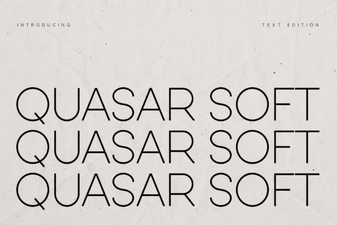 Design Your Project with Quasar Soft Font
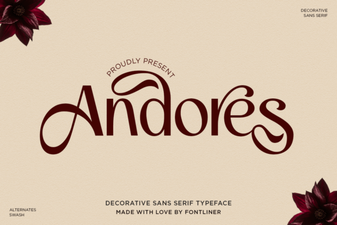 The Andores Font: Design Ideas & Creative Uses
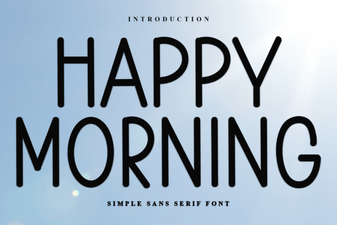 Bring Creativity to Your Projects with Happy Morning Font
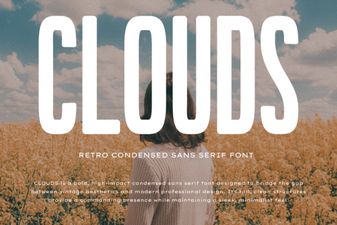 Clouds Font for Creative Design Projects
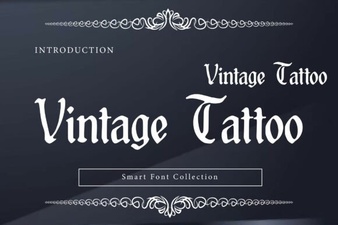 Creative Uses for Vintage Tattoo Fonts
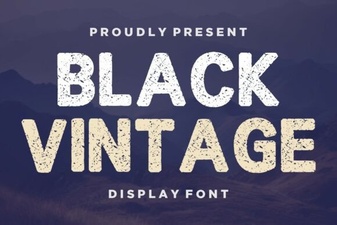 Retro Black Fonts for Classic Design Projects