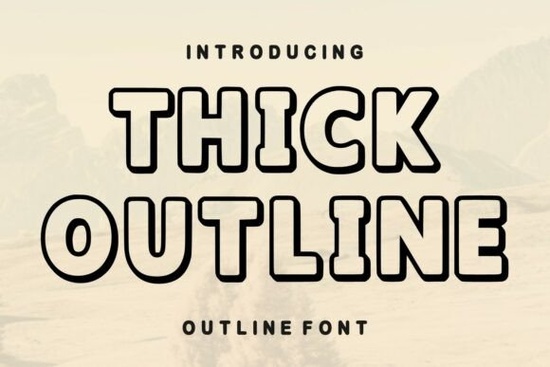
Choosing the right typeface can save hours of layout adjustments, especially when you need text that stands out without overwhelming the rest of your composition. If you work on branding, merchandise, or social media posts, the Thick Outline Font gives you a reliable option for bold headlines and short statements. The clean, rounded strokes create a friendly yet structured feel, which makes it easier to balance heavy graphics with readable typography. Many crafters and small business owners prefer this style because it holds up well across both screen displays and physical prints.
When does this typeface work best for everyday projects?
Display fonts like this are built for impact, not long paragraphs. You will notice the strongest results when you limit the text to titles, short quotes, or brand names. The hollow structure naturally draws the eye, so it pairs nicely with solid fills behind it or with lighter sans serif companions. Here are a few common places where this style performs reliably:
- Packaging and labels: The clear edges keep product names visible on crowded shelves.
- Apparel and stickers: Thick strokes cut cleanly on vinyl printers and screen printing meshes.
- Event posters: It handles scale well, so it stays sharp when resized for large formats or digital ads.
If you are exploring other rounded or bold display options, you might want to compare how different weights behave in your mockups. For example, designers often look at soft and friendly letterforms for children’s products, or outdoor and adventure themes when planning seasonal campaigns. Matching the tone of the project to the right typeface keeps your messaging clear and consistent.
What should I check before using display fonts commercially?
Most creative professionals want to know exactly where they can apply a new typeface without running into licensing issues. Standard font downloads usually include a personal and commercial license, but you should always verify the included terms before sending a design to print. Check the file format, because OTF and TTF versions handle differently across older software. Also, look at character coverage. If your brand uses special symbols, currency marks, or multilingual text, you will want to confirm those glyphs are included.
Many print-on-demand sellers also ask how the font behaves with layered effects. Because this design uses an empty core, adding drop shadows or color overlays can quickly close up the negative space. Test a few variations in your workspace before finalizing. If you like experimenting with playful typography, you can explore hand-drawn styles or classroom-friendly layouts to see how different shapes interact with your brand colors. For broader design research, checking industry standards on Thick Outline can help you understand how similar display faces are structured for web and print.
How can I adjust spacing and contrast for cleaner results?
Bold outlines need room to breathe. When letters sit too close together, the inner white space shrinks and the text becomes harder to scan at smaller sizes. Start by increasing the tracking slightly, then check how the caps and lowercase letters align. If you are placing the text over busy photography or patterned backgrounds, add a solid shape behind the lettering or increase the stroke weight if your software allows it. A quick preview at one hundred percent scale on both a desktop screen and a phone will reveal whether the contrast is strong enough.
For seasonal campaigns, lighter background tones usually help the outline pop without making the layout feel heavy. You might also test decorative pairings for accent text, but keep the main headline clean so the design does not compete with itself. Consistency across your social posts, storefront banners, and printed flyers will build stronger brand recognition over time.
Quick steps to prepare this font for your next design
- Download both OTF and TTF files and install them in your system folder before opening your design software.
- Set your headline between 60 pt and 90 pt to see how the negative space holds up on screen.
- Check the license agreement for print runs, merchandise limits, and web embedding rules.
- Run a high-contrast preview by placing the text on dark, light, and mid-tone backgrounds.
- Save a version with flattened text and one with editable layers so you can adjust future edits without starting over.
Take five minutes to test tracking, background contrast, and print resolution before approving your final files. Small adjustments at this stage prevent costly reprints and keep your typography looking sharp across every platform.
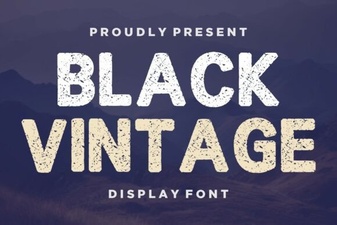 Retro Black Fonts for Classic Design Projects
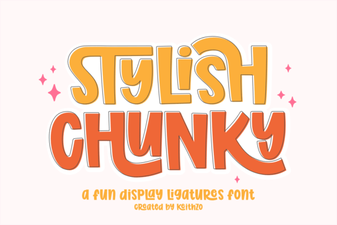 Bold & Stylish Chunky Fonts for Creative Projects
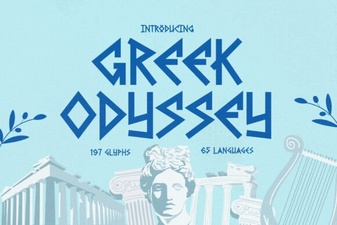 Greek Odyssey Font for Digital Design Projects
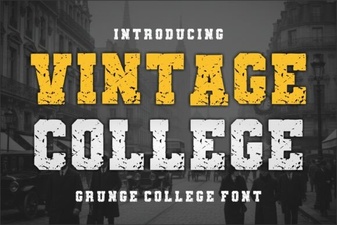 Designing with Vintage College Fonts
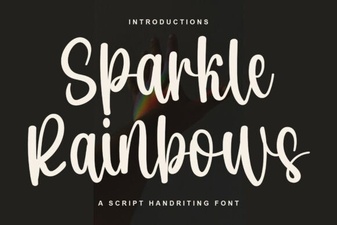 Sparkle Rainbows Font: Elegant Design for Creative Projects
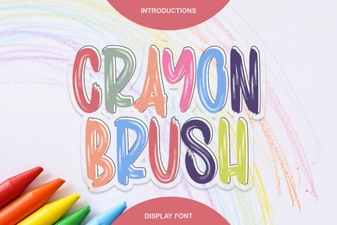 Creative Projects with Crayon Brush Fonts