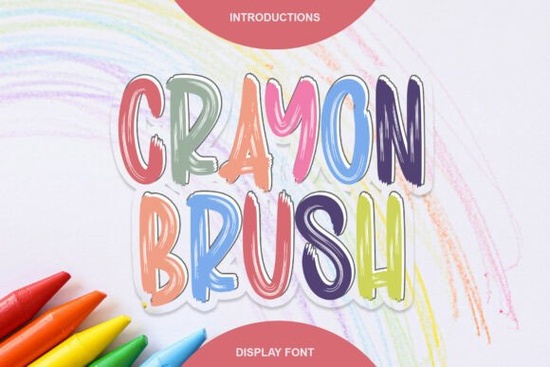
When you need a typeface that feels genuinely hand-drawn without spending hours sketching each letter, Crayon Brush Font delivers exactly that look. It captures the rough, waxy texture of real coloring sticks and turns it into a clean digital asset. For graphic designers, crafters, and small business owners who regularly make posters, kids’ merchandise, or classroom materials, this display font saves time while keeping your work looking organic and playful. You get those messy, feathered edges that actually read well on screen and in print.
What kind of projects benefit most from a crayon-style typeface?
The main advantage of using a textured brush font like this is its immediate visual warmth. It works beautifully on children’s book covers, educational worksheets, and party invitations. Print-on-demand sellers often pair it with simple illustrations on tote bags, t-shirts, or stickers. If you run a local bakery, daycare, or kids’ event space, this lettering style helps communicate approachability right away. The chunky, friendly shapes stand out against clean white backgrounds or pastel paper textures, giving your layout a tactile finish that digital typography often lacks.
How does the texture affect readability on different mediums?
It’s common to worry that heavy brush strokes might get lost in smaller sizes, but this particular set is built for headlines and short phrases rather than body copy. The PUA encoding means you can easily swap standard characters for decorative alternates if your design software supports OpenType features. For best results, keep the text large enough so the feathered edges don’t blur. When printing on matte paper or fabric, the rough texture tends to hold up better than on glossy stock, which can make the crayon effect look overly smooth. If you are designing for web use, add a subtle drop shadow or adjust the contrast to keep the strokes crisp. You should also test your colors carefully, as dark backgrounds can swallow the lighter wax-like highlights, making the letters harder to distinguish.
Which other display fonts pair well with this playful style?
Mixing textures works best when you balance the messy with something clean. Try setting your headline in the crayon style and use a straightforward sans serif for the supporting details. If you want to explore similar moods, you might look at aged typefaces with distressed edges for a slightly grungier feel, or check out soft, rounded lettering when you need something smoother for younger audiences. For seasonal layouts, festive script and block combinations often share the same joyful energy. When working with school or club themes, traditional athletic styles can create a nice contrast against the hand-drawn look. And for casual branding, sweet, hand-lettered alternatives blend well into greeting cards or café menus.
How do you install and customize it safely?
After downloading, extract the folder and double-click the OTF or TTF files to install them on your system. Open your preferred design program, refresh the font list, and start typing. If you notice the texture looks too dense, try adjusting the tracking slightly or lowering the opacity of a duplicate layer underneath. The brush effect already carries a lot of visual weight, so avoid adding heavy shadows or borders that might clash with the feathered edges. Always check your project files for licensing terms, especially if you plan to sell physical goods. Most commercial licenses cover standard merchandise, but reviewing the included text file prevents future issues.
You can explore more details about the Crayon Brush Font directly on the marketplace page to preview different weights and alternate glyphs.
Quick checklist before exporting your files
- Verify that all special characters and punctuation match your layout needs.
- Test the font at your actual print size to confirm the edges stay sharp.
- Keep body text in a plain, highly readable typeface for contrast.
- Check the commercial license for any limits on digital or print sales.
- Save a web-optimized PNG or SVG backup in case the font fails to embed properly.
Start with a single bold phrase to see how the texture interacts with your background, then scale the rest of your layout around it.
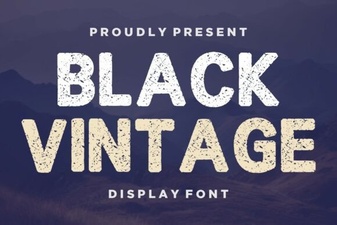 Retro Black Fonts for Classic Design Projects
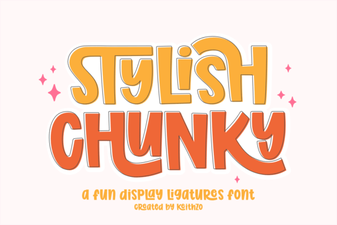 Bold & Stylish Chunky Fonts for Creative Projects
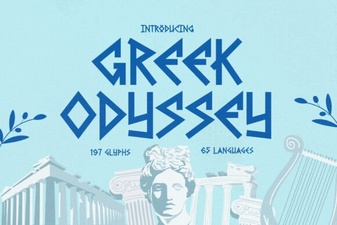 Greek Odyssey Font for Digital Design Projects
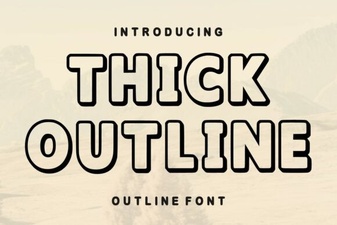 Thick Outline Fonts for Bold & Creative Designs
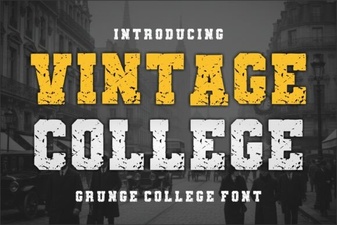 Designing with Vintage College Fonts
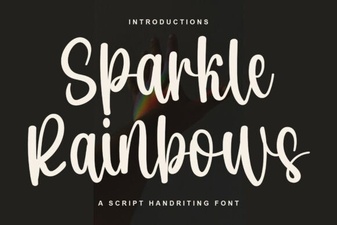 Sparkle Rainbows Font: Elegant Design for Creative Projects