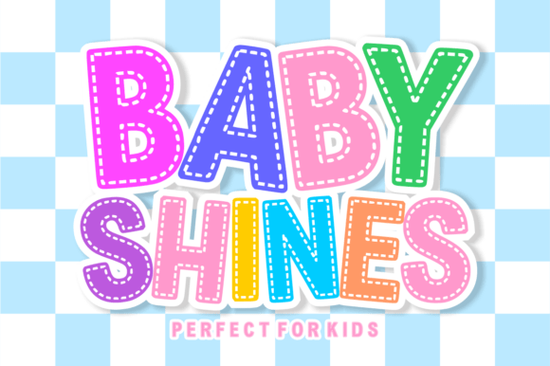
Designers and crafters who work with kids’ products often struggle to find display typefaces that balance readability with a playful aesthetic. The Baby Shines Font solves this by offering a heavy, rounded silhouette that keeps letters distinct even at smaller sizes. If you have ever watched young children try to read overly thin or cursive text, you already know why a chunky baseline matters. This particular typeface combines soft edges with a subtle embroidered stitch effect, making it a reliable choice for classroom posters, nursery labels, and handmade baby gifts.
What makes a chunky bubble typeface better for commercial projects?
Heavy display fonts tend to perform well on print-on-demand items because the thick letterforms hold up during the printing and pressing process. When ink bleeds slightly on fabric or vinyl, thin strokes can disappear entirely. The bold weight in this design prevents that problem while keeping the overall look soft and approachable. Many sellers who pair it with simpler sans serifs or casual handwritten alternatives notice a clearer visual hierarchy on their mockups and physical products. The consistent stroke width also reduces design time, since you rarely need to add heavy drop shadows or extra strokes to make the text stand out.
How does the built-in stitched detail improve cutting results?
Machine crafters using Cricut, Silhouette, or Brother devices know that overly intricate details often cause tearing during weeding. The dashed stitching inside this typeface is actually baked into the letter paths rather than applied as a separate texture. This means the cutting blade follows clean, continuous curves instead of trying to isolate tiny decorative fragments. Just like other rounded display options, the smooth outer outline guarantees a crisp edge every time you press cut. You can still adjust the spacing or add a solid backing color without worrying about misaligned stitch layers shifting during production.
Which customer projects work best with rounded kids’ fonts?
The versatility of this lettering style extends far beyond baby onesies. Because the letters remain highly legible even in monochrome, you can apply it to a wide range of educational and decorative items without losing visual clarity. Here are a few project types where the design truly shines:
- Nursery wall art and name signs that require large, readable titles for parents and guests
- Classroom labels and student worksheets where early readers benefit from open counter spaces
- Custom party banners and cake toppers that need quick setup without complex layering
- Merchandise like stickers, mugs, and tote bags where simple layouts often convert better with shoppers
How should small businesses prepare these files for bulk orders?
Before committing to a large production run, always preview the font in your specific software to confirm spacing and kerning behavior. Export your text as a vector path when working with sublimation printers, and keep the original OTF or TTF file on your desktop for quick edits. You can review the full glyph set and commercial licensing terms on the dedicated product page before adding it to your regular toolkit. Many crafters also save a flattened PNG version for rapid mockup generation on listing sites, which speeds up the upload process significantly.
What licensing rules apply when selling physical goods?
Standard commercial licenses typically allow you to use the typeface on physical items you create and sell, but they rarely permit reselling the font files themselves or embedding them in digital templates for redistribution. If you plan to use it for educational worksheets, check whether your platform allows commercial classroom sales. Keeping a clear record of your purchase receipt and license tier helps protect your shop from accidental copyright strikes. For quick reference on proper attribution and usage boundaries, visit the official Baby Shines documentation before finalizing any bulk listings.
Quick setup checklist before your next project:
- Open your design software and install the font package to verify all character sets appear correctly
- Type a sample phrase using both uppercase and lowercase letters to check spacing and legibility
- Convert text to paths or outlines if your cutting machine requires vector shapes
- Run a small test cut on scrap material to confirm weeding ease and blade pressure
- Save a flattened preview image for your product listing and keep the editable source file backed up
Take these steps during your next mockup session, and you will reduce production errors while maintaining consistent branding across your handmade inventory.
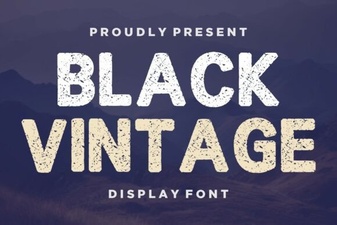 Retro Black Fonts for Classic Design Projects
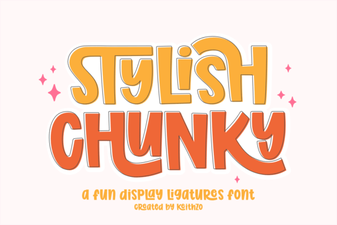 Bold & Stylish Chunky Fonts for Creative Projects
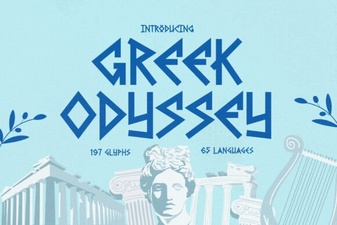 Greek Odyssey Font for Digital Design Projects
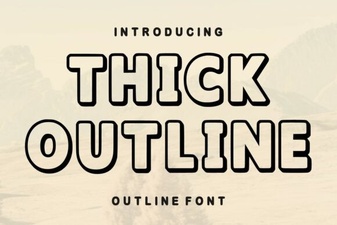 Thick Outline Fonts for Bold & Creative Designs
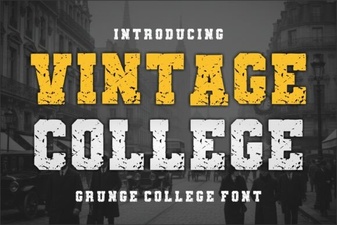 Designing with Vintage College Fonts
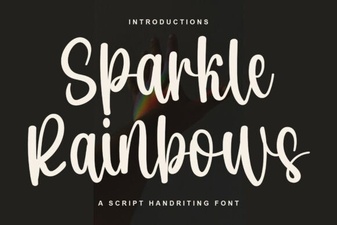 Sparkle Rainbows Font: Elegant Design for Creative Projects